
1.
1. Mount on rail
Keep the compact body secure while preserving access to the controls.

RunCam Feed Camera

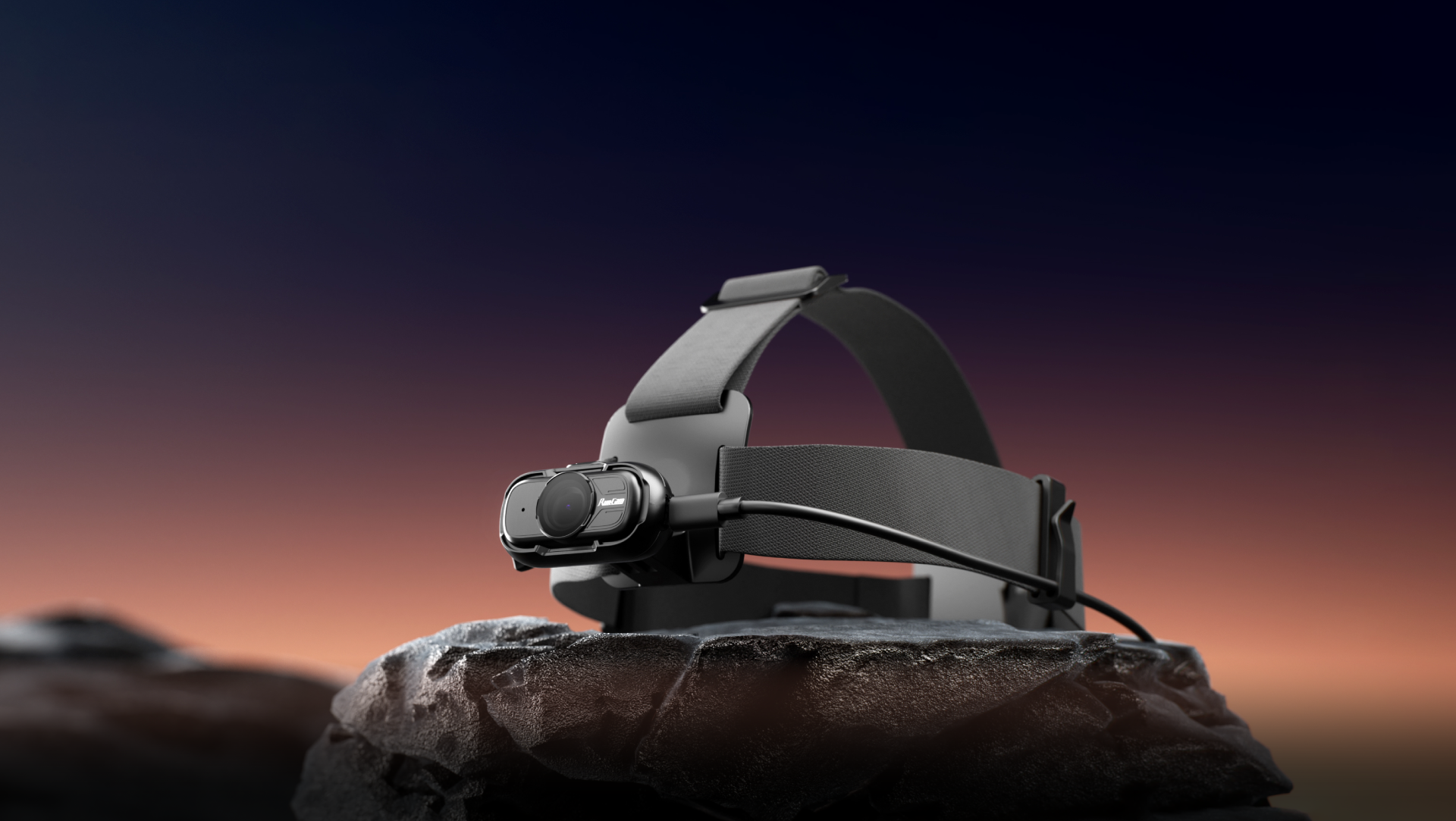
A lightweight wearable camera solution for first-person RGB video and IMU-assisted motion data capture, built for AI dataset projects, task workflow recording, and repeatable field deployment.
Explore More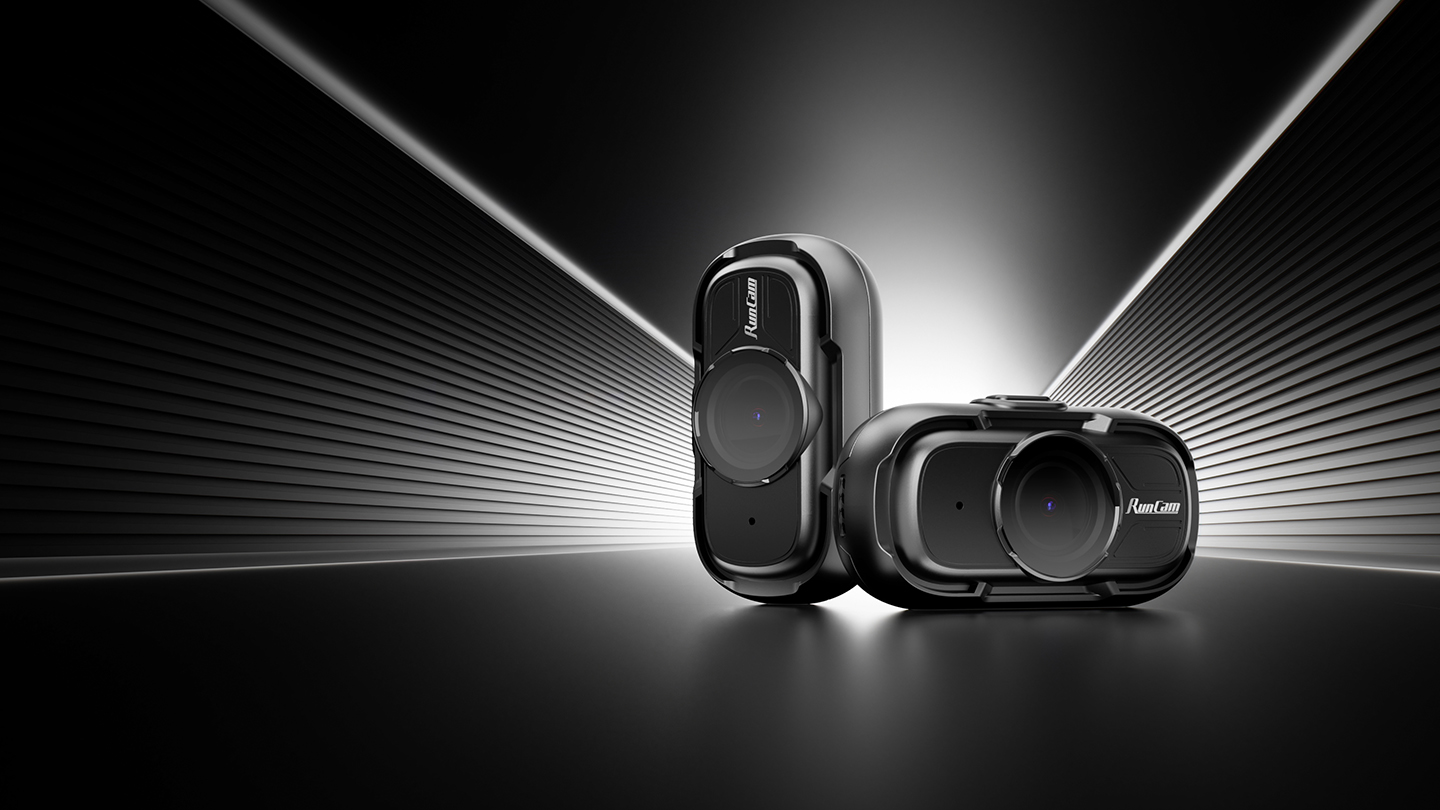
Some moments are difficult to record when both hands are needed.
Feed Camera stays with your perspective, allowing you to focus on the task while recording naturally.
No handheld camera and no repeated angle adjustments.
Useful for review, training, documentation, and data collection.


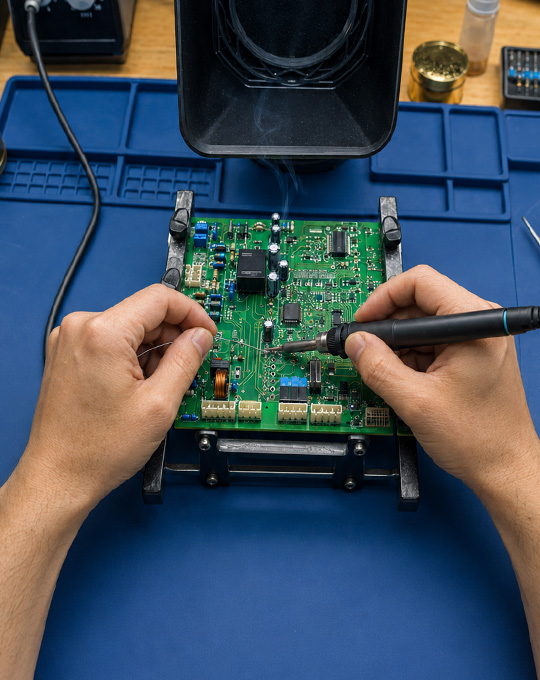
Synchronize the time base of video frames and sensor data, so video and sensor data form traceable, matchable synchronized data packets.
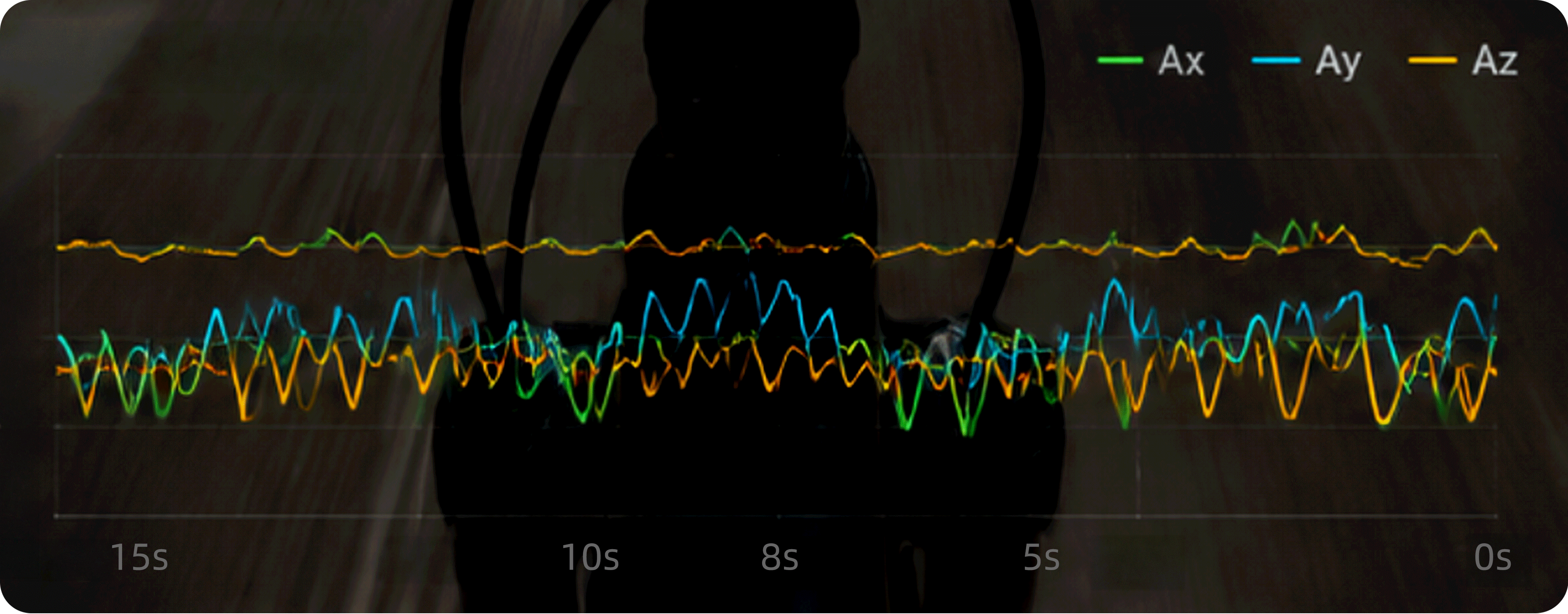
Unified timestamp mapping connects movement and video
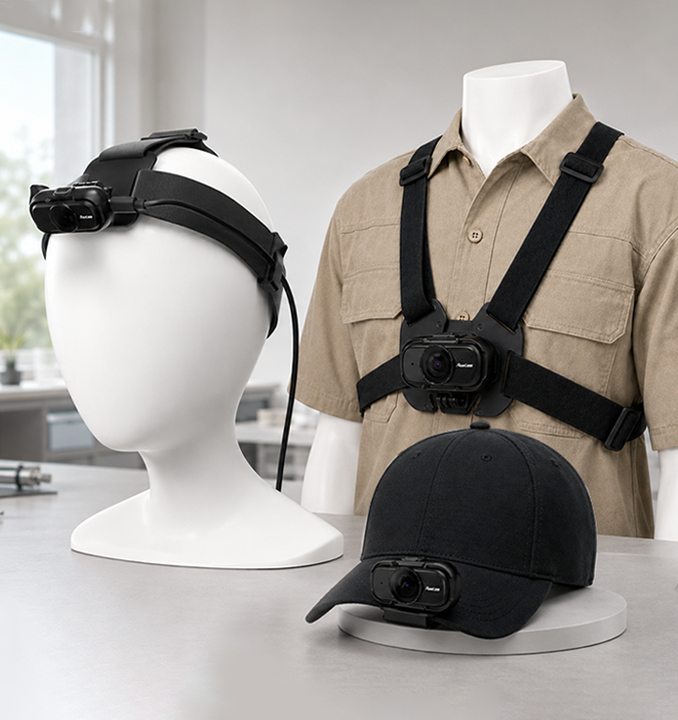
Multiple mounting options for free movement and easy shooting.

Keep both hands free while documenting every process accurately.
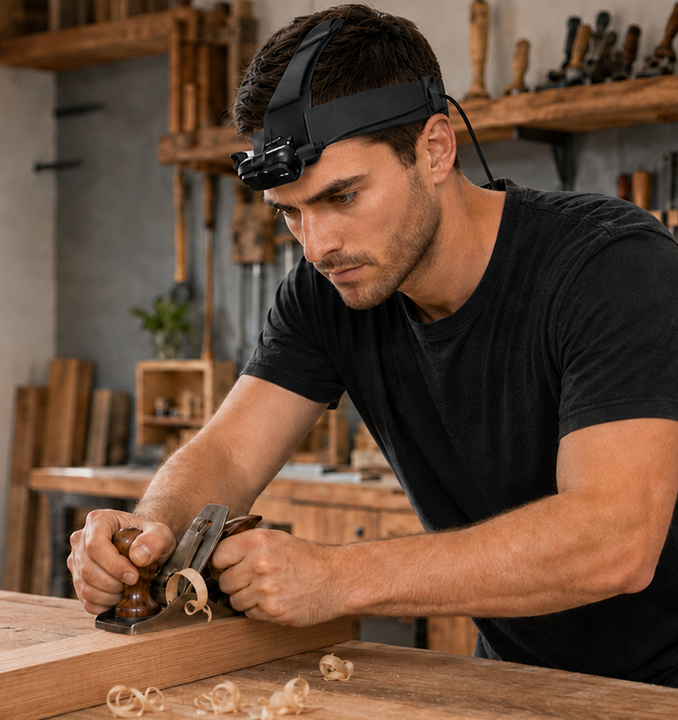
Connect USB-C power for longer sessions when you need it.
Different shooting scenarios call for different mounting accessories to keep the camera at the best angle.
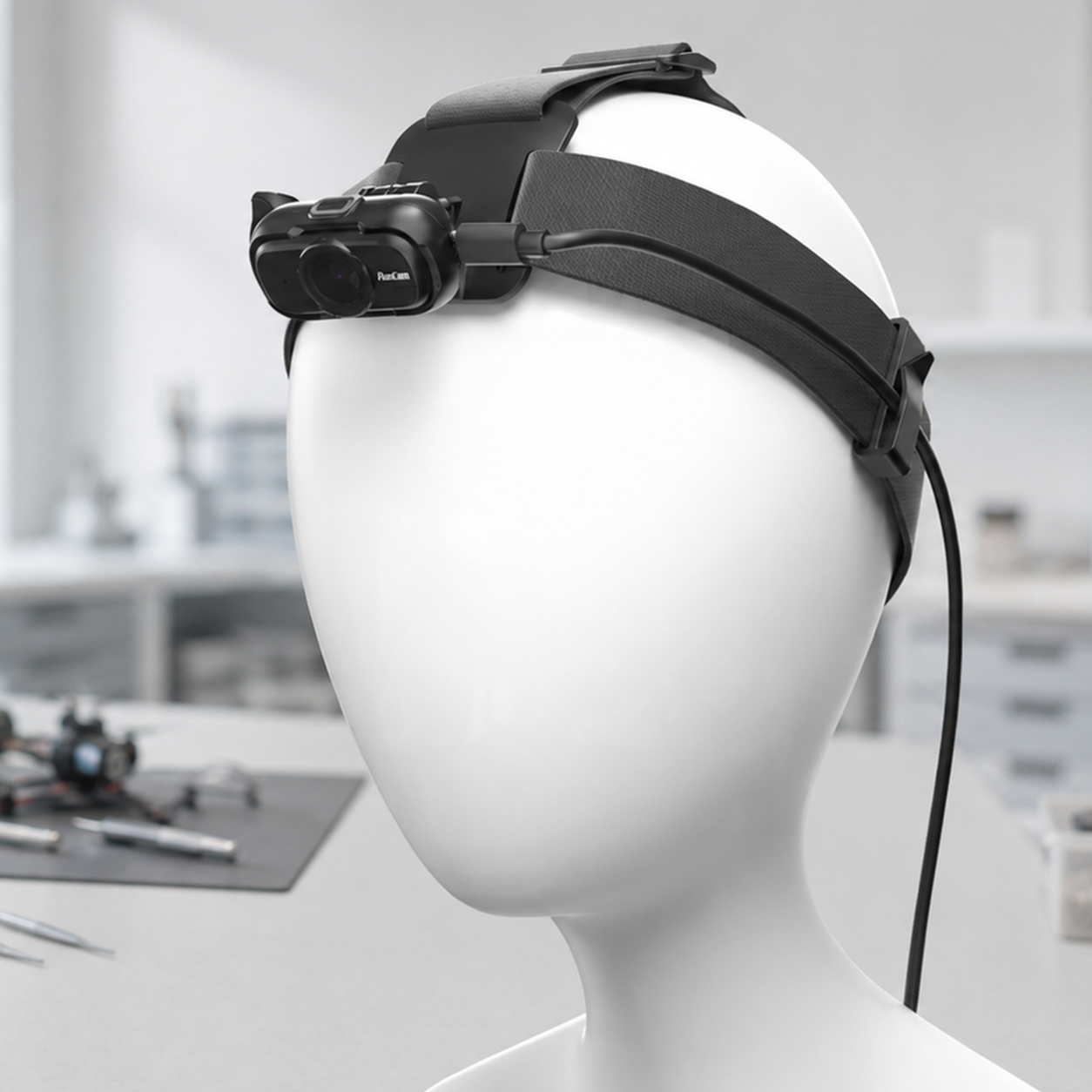
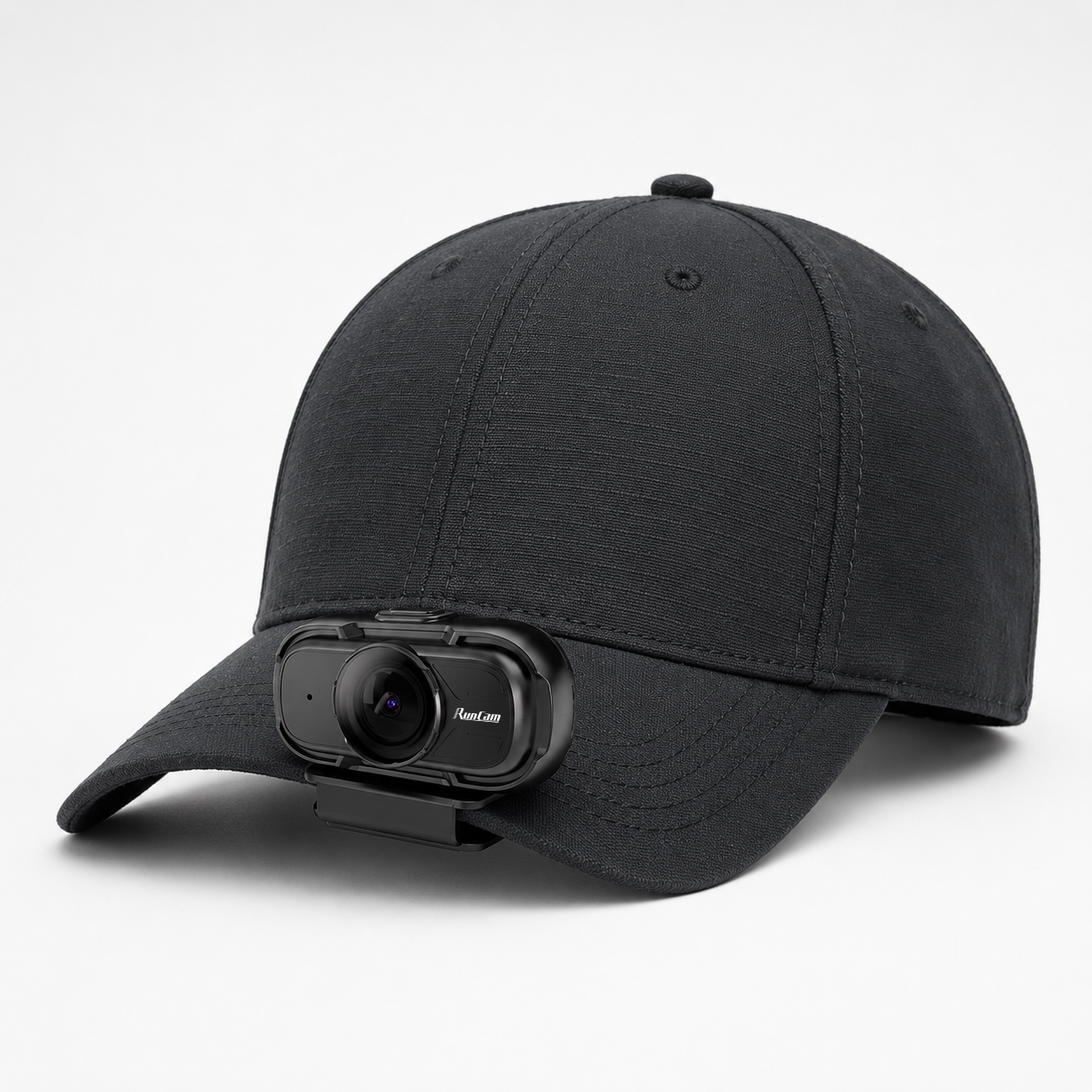
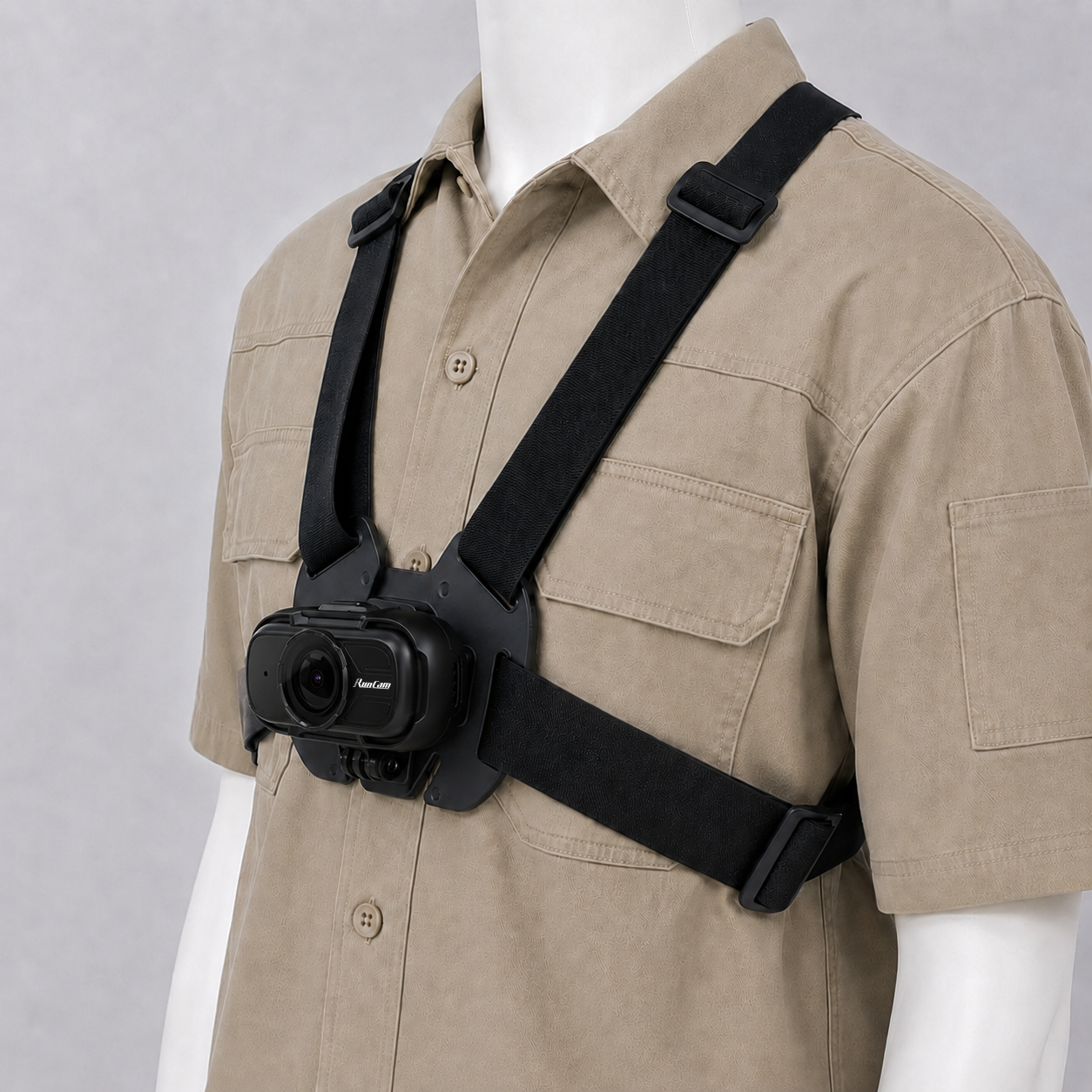
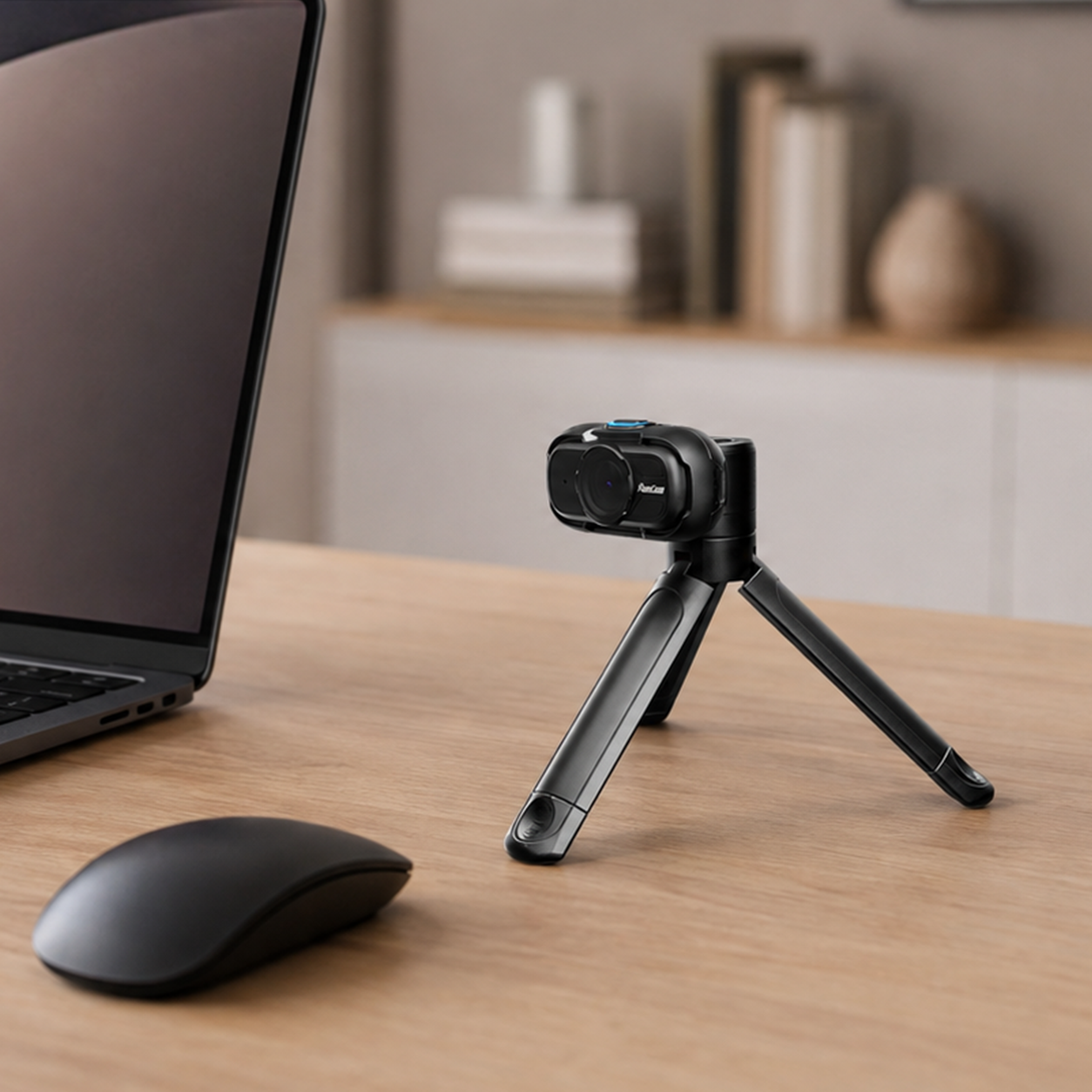
Walkthrough from wearing to reviewing footage.
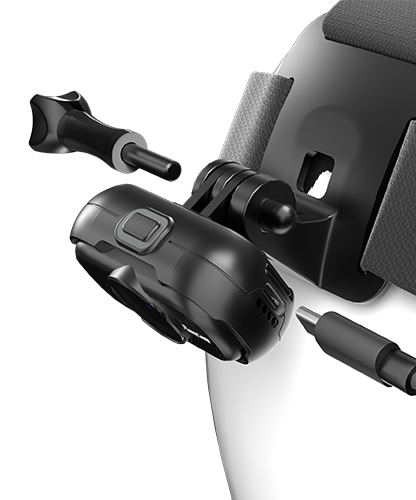
Attach the camera and adjust the viewing angle.
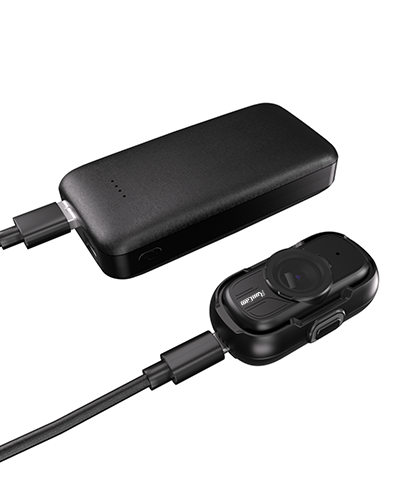
Connect USB-C power. Pair with RunCam Power Box for extended recording.
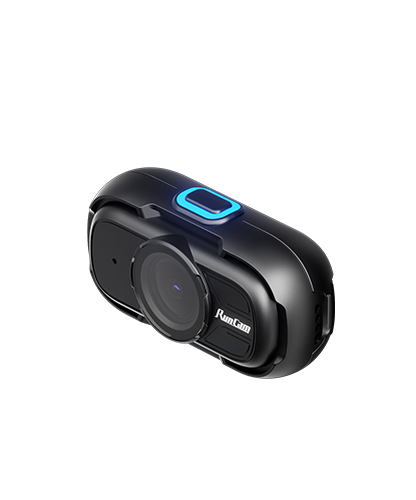
Capture your workflow from your perspective.
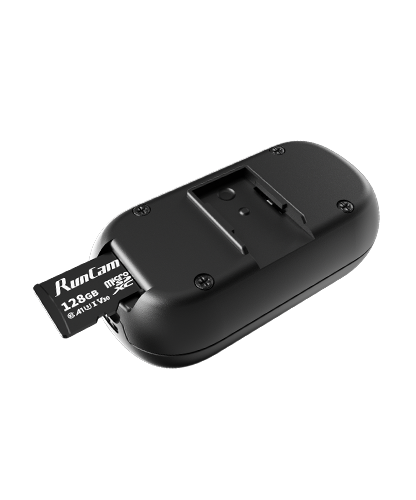
Access files through USB or microSD card.
From technical research to everyday workflows, here is how you can use Feed Camera.
Capture your work procedure for training, review, and documentation.

Record step-by-step demonstrations and create clear instructional content.
Capture your creative process from your best perspective.

Capture first-person video data for research and field-service applications.
Feed Camera combines lightweight design with practical features for everyday recording and professional use.
Smoothed process video capture
Capture more of your surroundings.
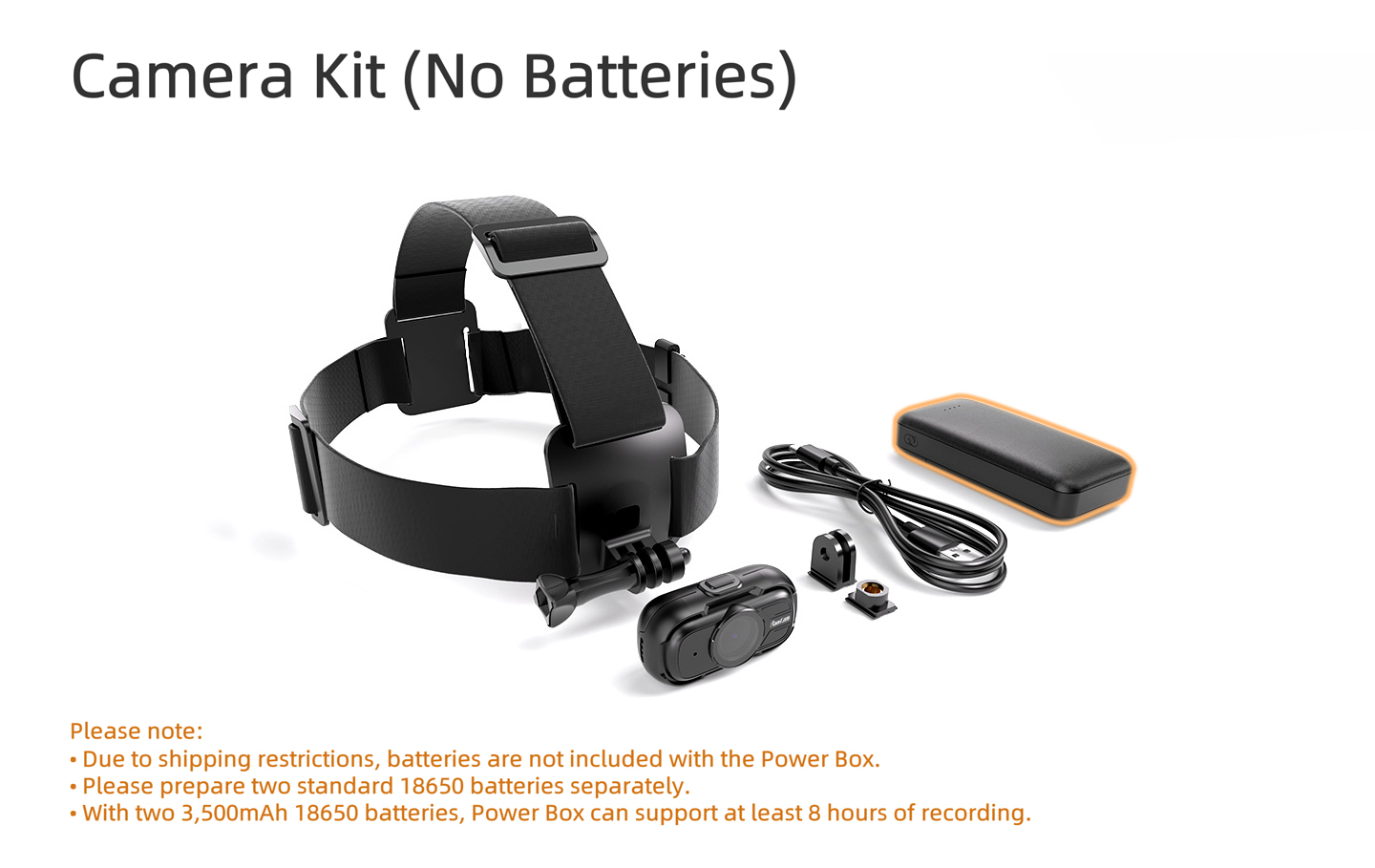
Connect USB-C power or RunCam Power Box for extended recording sessions.
Capture motion data for advanced applications
| Field of View | approx. D: 150° | H: 126° | V: 69° |
|---|---|
| Video Resolution | 1080p 60fps (default) / 30fps |
| Bitrate | 18Mbps |
| Video Format | MP4 |
| Encoding | H.265 |
| Recording Mode | Normal / Loop Recording |
| IMU | ICM-42607 |
| Microphone | Built-in |
| Storage Type | microSD card required |
| Max Storage Capacity | 512GB |
| File System | exFAT / FAT32 |
| Recommended Card | U3 or higher speed class |
| Configuration | FeedConfig.ini (stored on microSD card) |
| Power Input | 5V / USB-C |
| Power Consumption (Recording) | 1.3W@1080P60FPS / 1.0W@1080P30FPS |
| Backup Power | Built-in battery (power-loss buffering) |
| USB Mode | Mass Storage (U-Disk) / UVC |
| Material | ABS |
| Weight | approx. 26g |
| Data Type | RGB video + IMU data |
Show how the camera mounts, charges, records, and connects before it reaches the field.
Keep the compact body secure while preserving access to the controls.
Use the app preview to confirm framing before the session.
Record, charge, and transfer footage through the supported interfaces.
Real use, setup clarity, and footage confidence from verified customers.
Answer common purchase and setup questions close to the final call to action.
Choose the lens that best matches your normal subject distance and framing needs.
Use a fast card within the capacity supported by this product.
Check the package contents above or add a compatible cable from the Accessories selection.
Select your setup above and get ready for the field.