


RunCam Thumb Pro W
$99.99
Sale price
$99.99
Regular price
Skip to product information


RunCam Thumb Pro W
$99.99
Sale price
$99.99
Regular price
Excluding tax.Details on
tax policies
Accessories
Warranty
Download
RunCam Thumb Pro W —
Keep the Build Light.
Keep the Footage.
At just 16g, Thumb Pro W brings 4K recording and built-in gyro to small FPV builds where every gram matters.
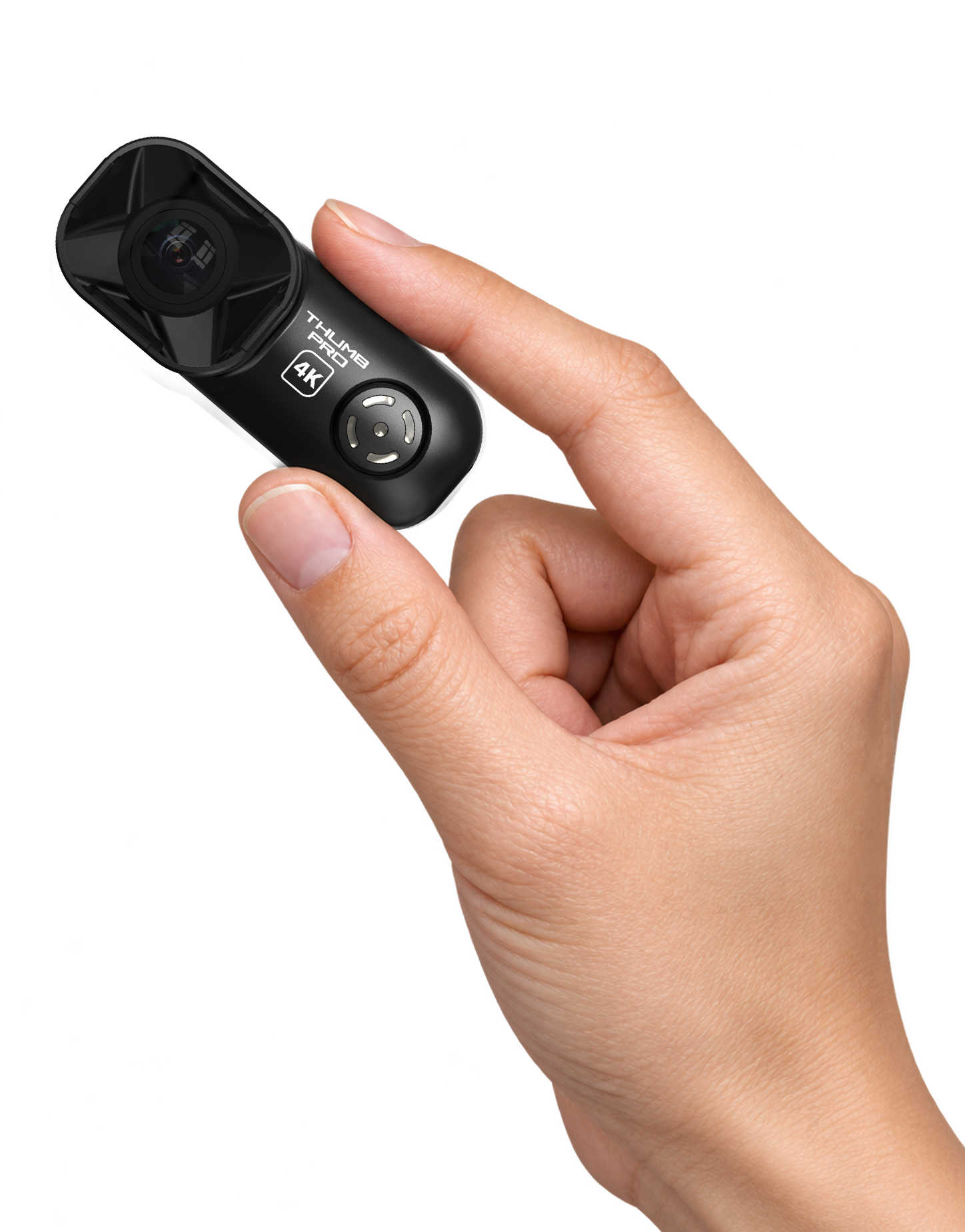
High-Resolution Footage.
Built-In Gyro.
Built-in Gyro
16g
4K@30fps
2.7K@60fps
1440P@60fps
1080P@120fps
1080P@60fps
Minimal Payload.
No internal battery.
Powered by the Aircraft.
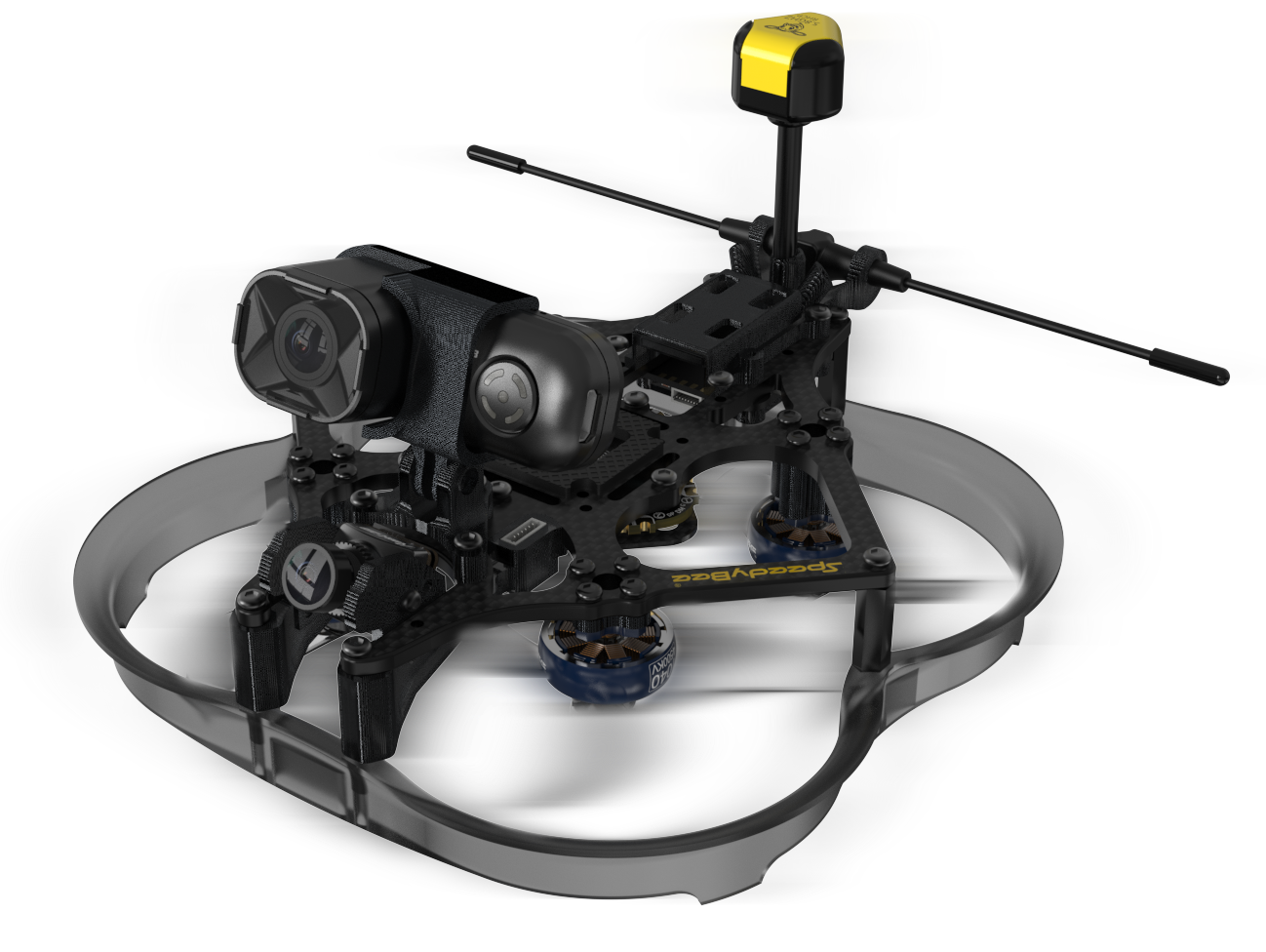
See More of the Flight
The 155° wide field of view keeps more of the environment in frame, making it easier to perceive the timing of the flight rather than only the direction you are pointing.
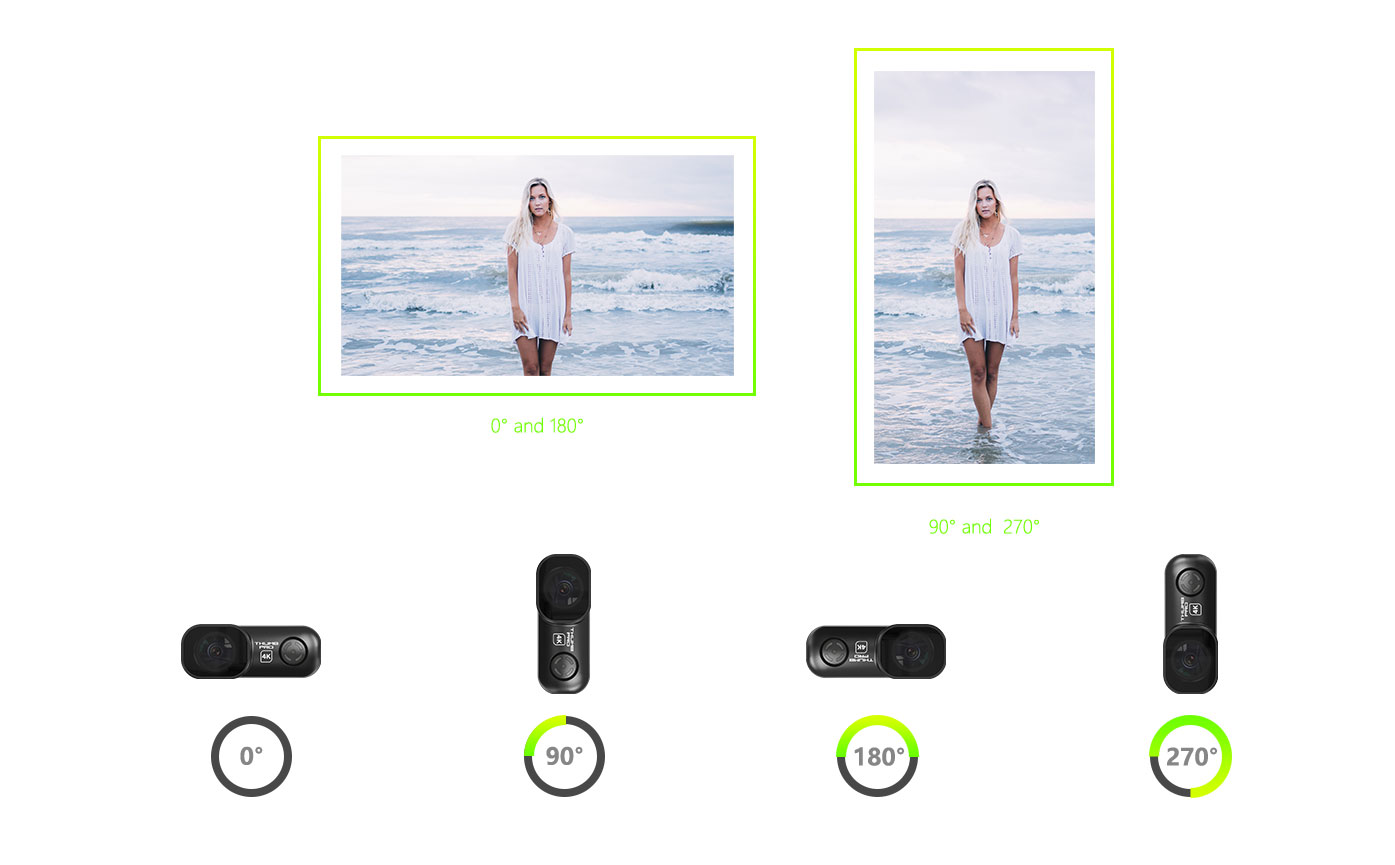
Support Shooting Horizontally and Vertically
Ready Before Takeoff.
In Control While Flying.
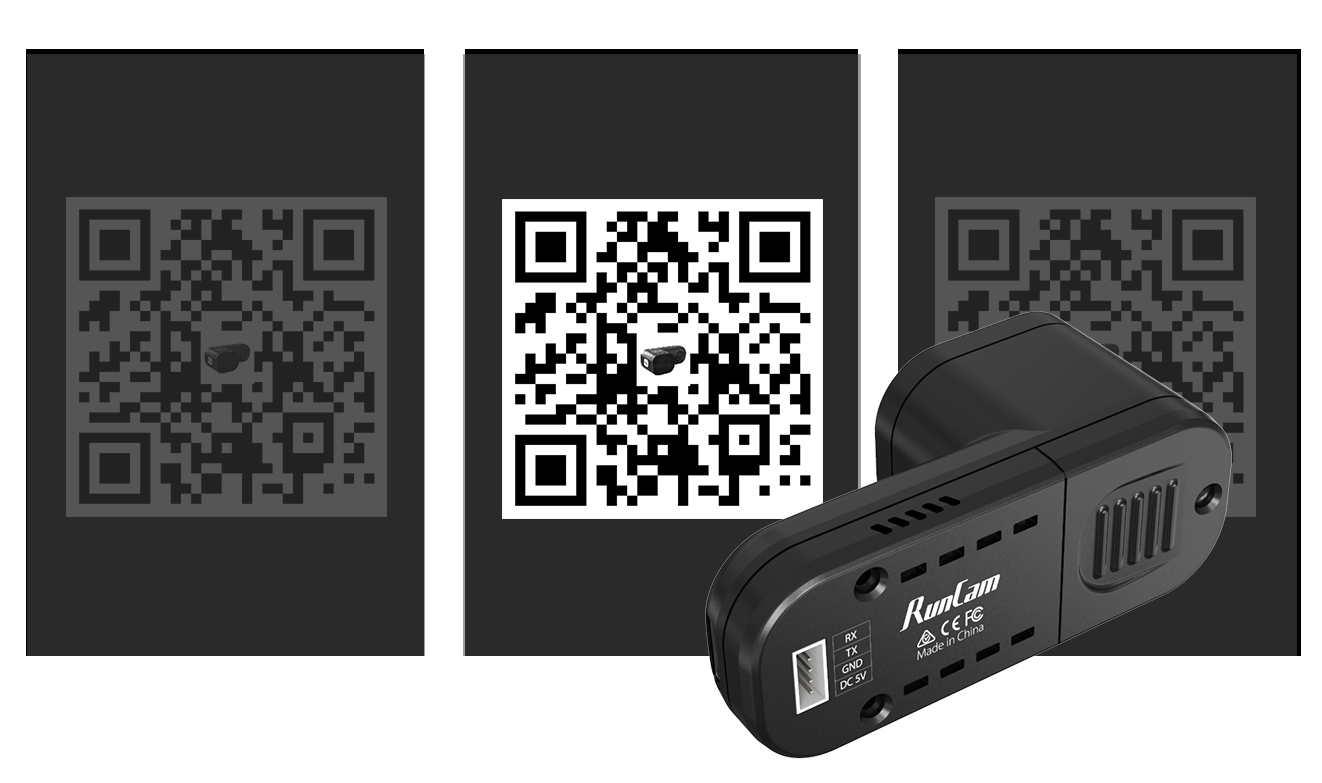
QR Code Parameter Adjustment
You can change settings such as resolution, saturation and exposure through the RunCam App.
Control Recording from the Air
Start and stop recording remotely from your radio controller during the flight.
Dimensions
UNIT: mm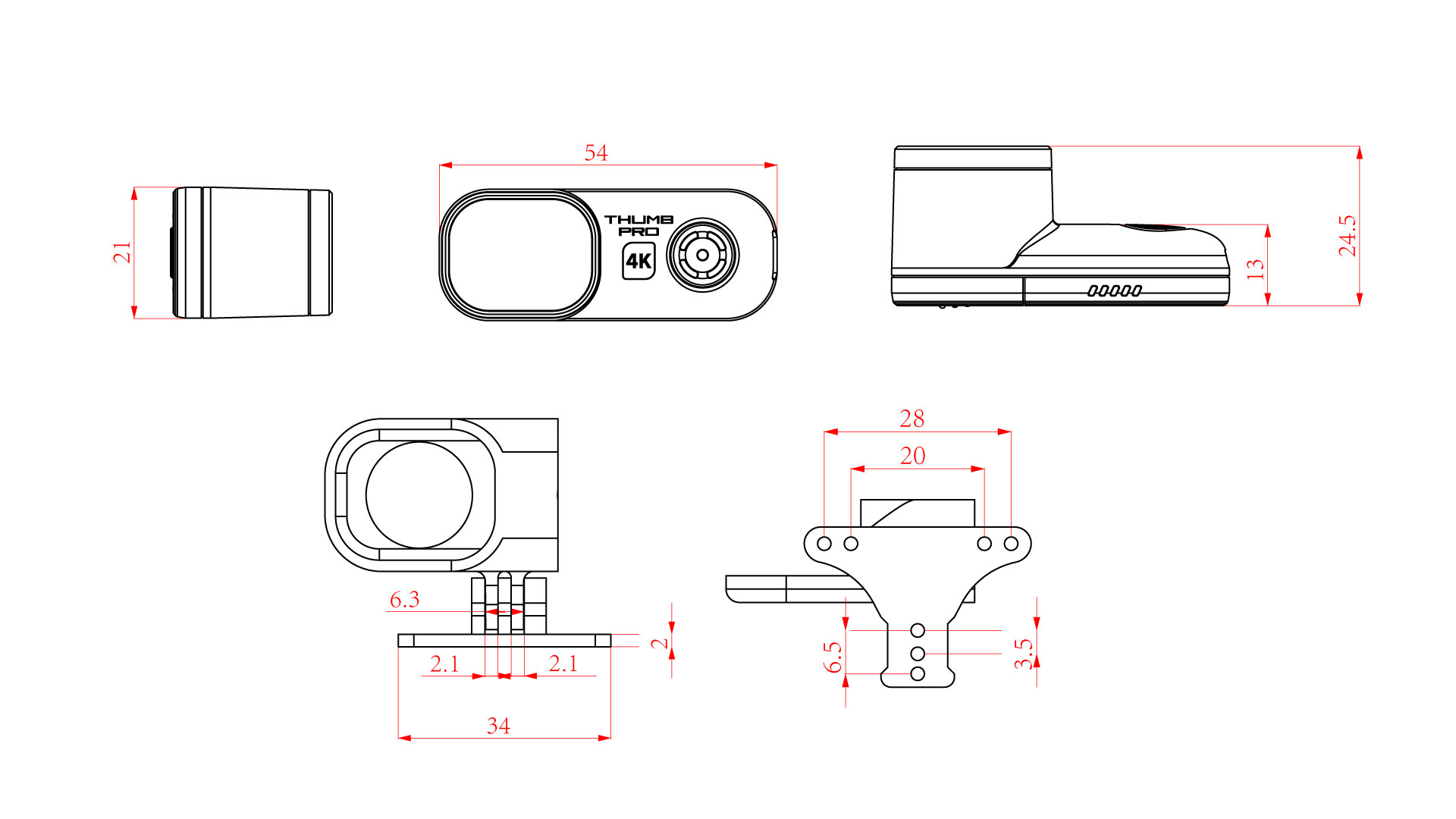
Specs
| Image Sensor | IMX577 (12MP) |
|---|---|
| Recording Resolution | 4K@30fps; 2.7K@60fps; 1440p@60fps; 1080p@120/60fps |
| Max Frame Rate | 120 fps |
| FOV | Old version: 145°; New version: 155° |
| Stabilization | GyroFlow support (built-in gyro) |
| Video Format | MP4 |
| Max microSD | 256GB |
| Recommended Card | U3 Speed Class + A2 Speed Rating |
| Power Type | External power required; no battery |
| Power Input | DC 5.0V |
| Wi-Fi | Not supported; Supports scanning the app to configure the camera |
| Current | Max 500mA @ 5V |
| App Support | RunCam App for QR-code parameter adjustment |
| Data Interface | Micro USB |
| Remote Control | UART |
| Weight | 16g |
| Dimensions | 54×25.5×21mm |
See what’s in the box


Install and use
Show how the camera mounts, charges, records, and connects before it reaches the field.
1.
1. Mount on rail
Keep the compact body secure while preserving access to the controls.
2.
2. Set lens and crosshair
Use the app preview to confirm framing before the session.
3.
3. Capture and offload
Record, charge, and transfer footage through the supported interfaces.
Creator Reviews & Community Footage
1.
Mount on rail
Fit the compact body to a compatible rail while keeping controls accessible.
2.
Mount on rail
Fit the compact body to a compatible rail while keeping controls accessible.
3.
Mount on rail
Fit the compact body to a compatible rail while keeping controls accessible.
Reviews and field notes
Real use, setup clarity, and footage confidence from verified customers.
Frequently asked questions
Answer common purchase and setup questions close to the final call to action.
Which lens should I choose?
Choose the lens that best matches your normal subject distance and framing needs.
Which memory card should I use?
Use a fast card within the capacity supported by this product.
Is the Flashback cable included?
Check the package contents above or add a compatible cable from the Accessories selection.
Ready to record your next match?
Select your setup above and get ready for the field.